
1. Go to IOS or Android App Store

2. Download Eseecloud app

3. Open App
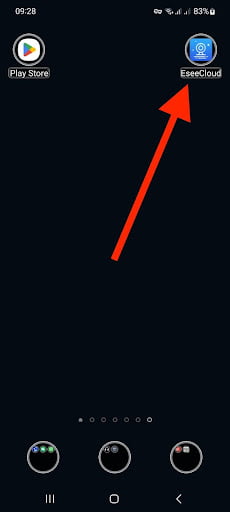
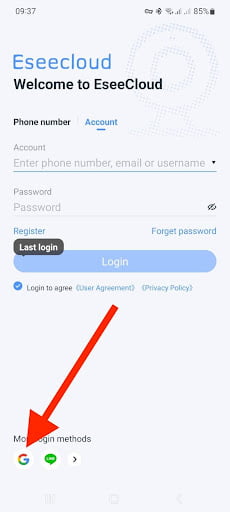
4. 1st Time Registration
- Quickest Way to register is with a Google Account
- Next easiest way to register is with your Cellphone Phone Number
- Can Register with your Email Address
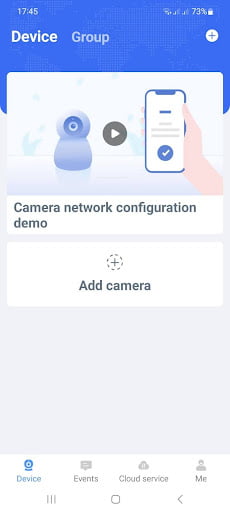
5. Main Screen
4. Click Register