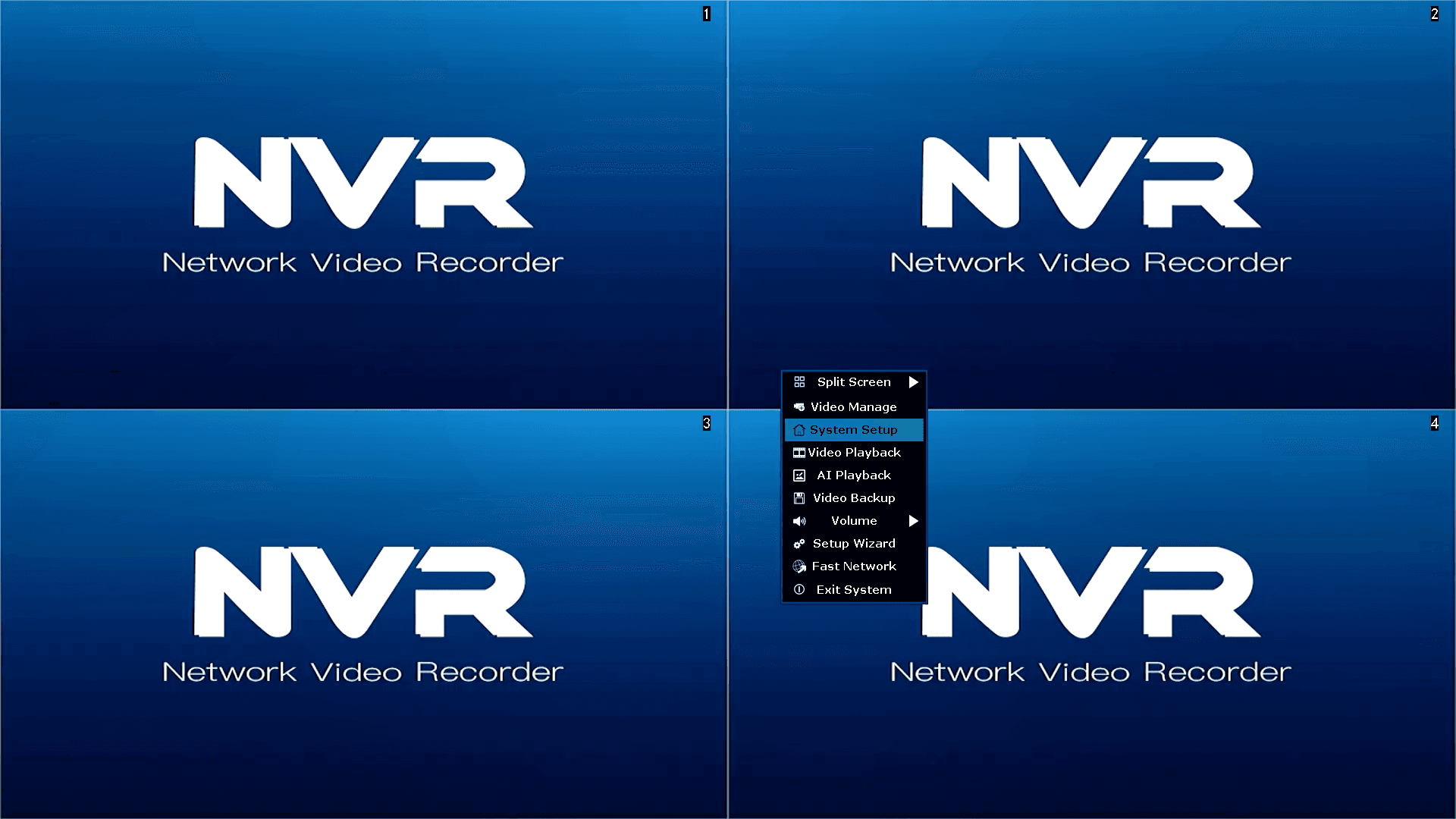
Access Menu
- Right Mouse Click to display Menu.
- Left Mouse Click on System Setup
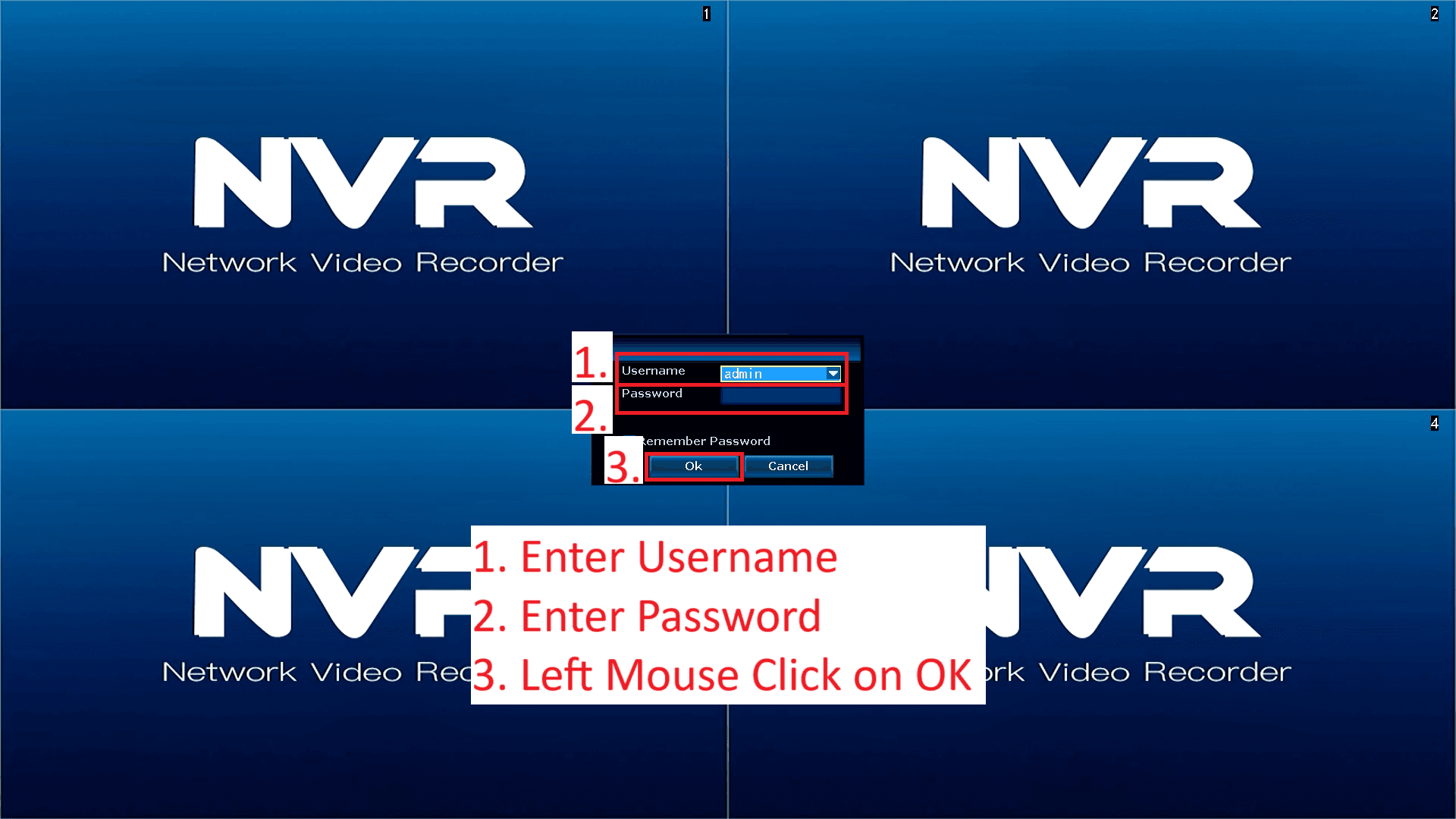
Enter Username and Password
- Enter your Username
- Enter your Password – Password supplied to you by the branch you purchased from.
- If you have forgotten your password, their is a surcharge for the reset process.
- Reset password process can take a few days.
- Left Mouse Click on OK