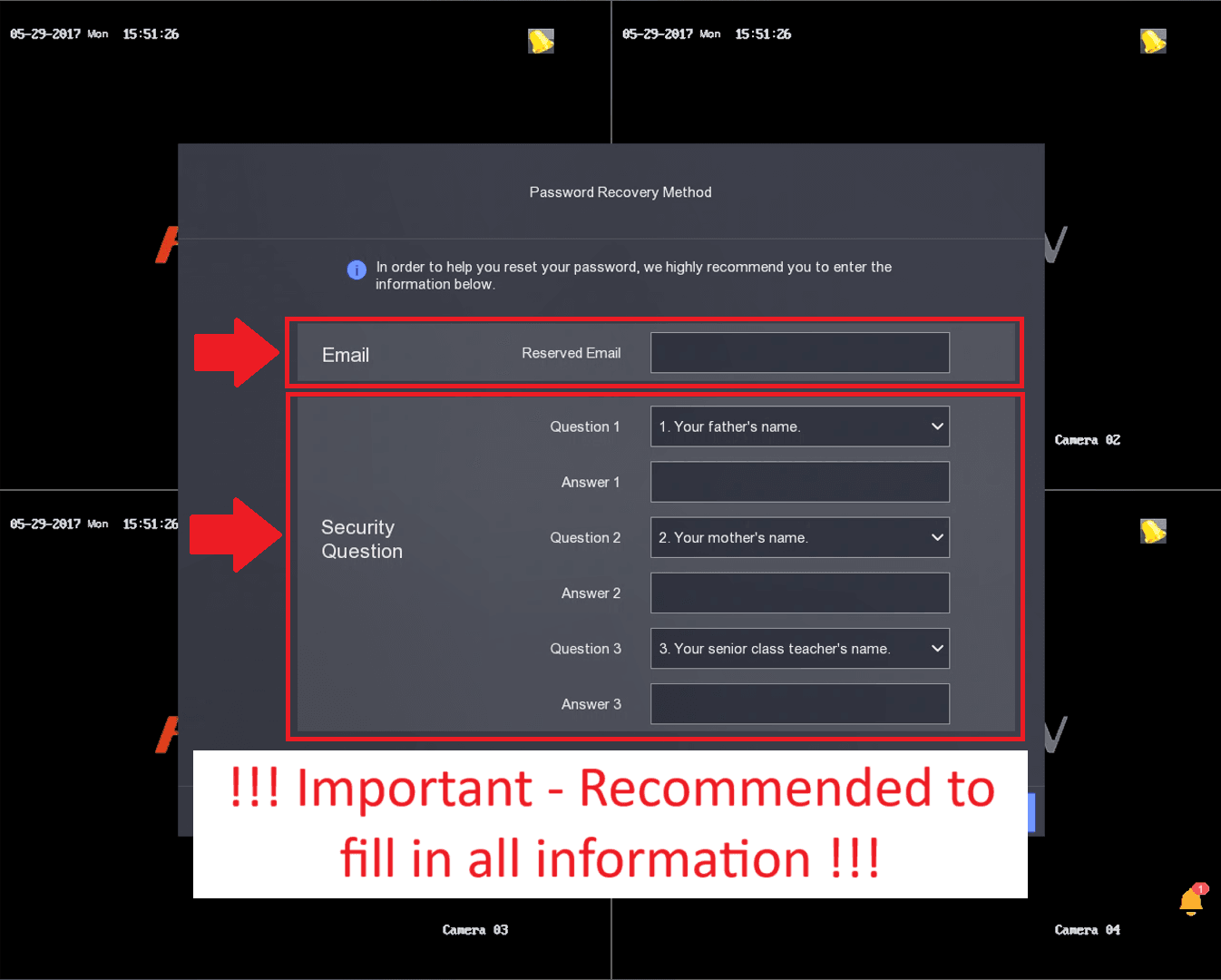
Please ensure to go through the initial setup process, If you have forgotten your password, the process will assist in the recovery of your password. If you have not gone through the password setup process and forgotten the password, you will need to take your DVR in for a password reset and their will be surcharge to reset it.
Requirements
- Hikvision DVR connected to the Internet
- Your Email Address
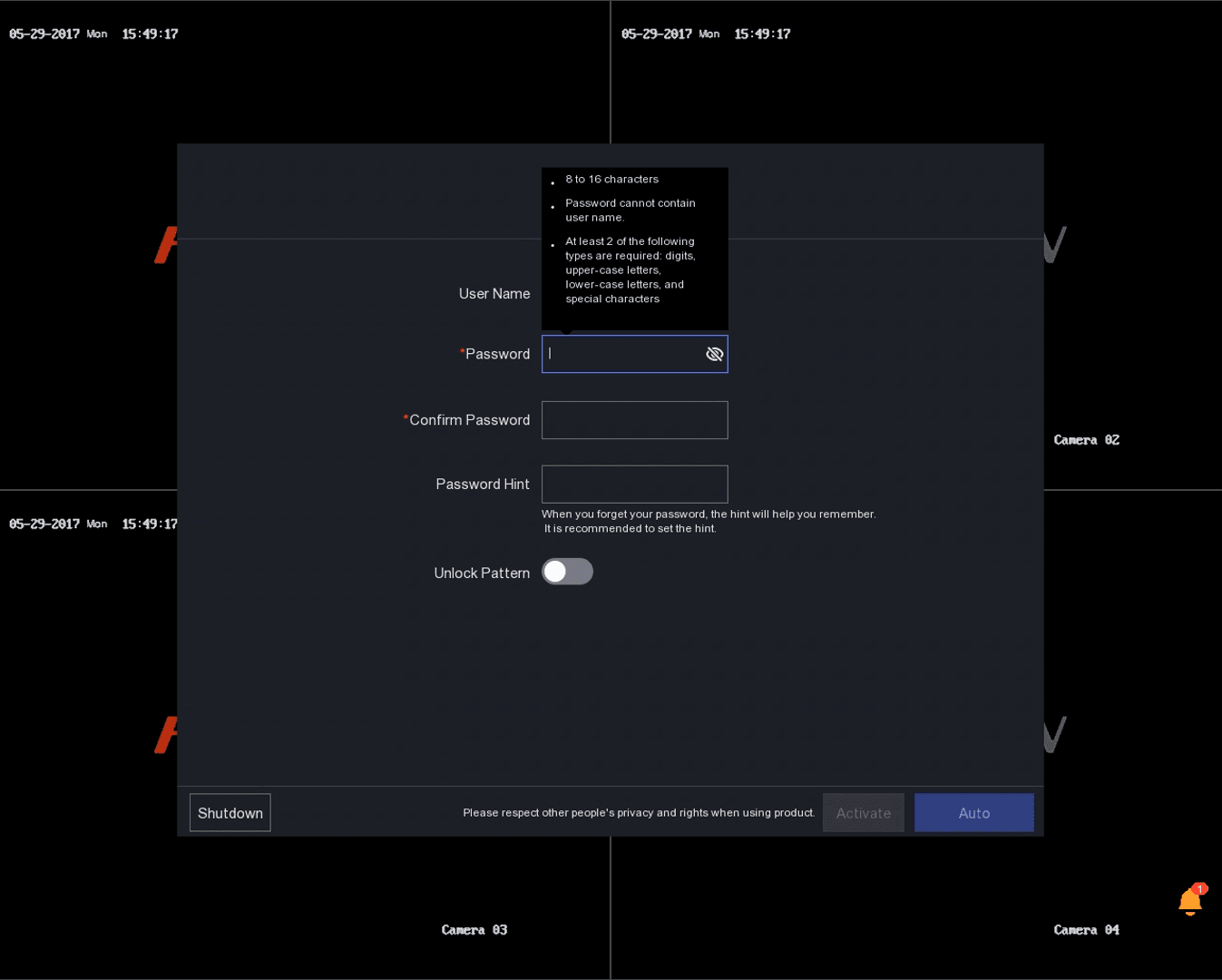
Enter your password and confirm your password
- Requirements
- Password cannot be the same as the username e.g. admin
- Password must be between 8 – 16 Characters
- At least 2 of the following types are required
- Digits
- Upper-case letters
- Lower-case letters
- Special characters
Example Password
- 1234567a
- Put in a Password Hint
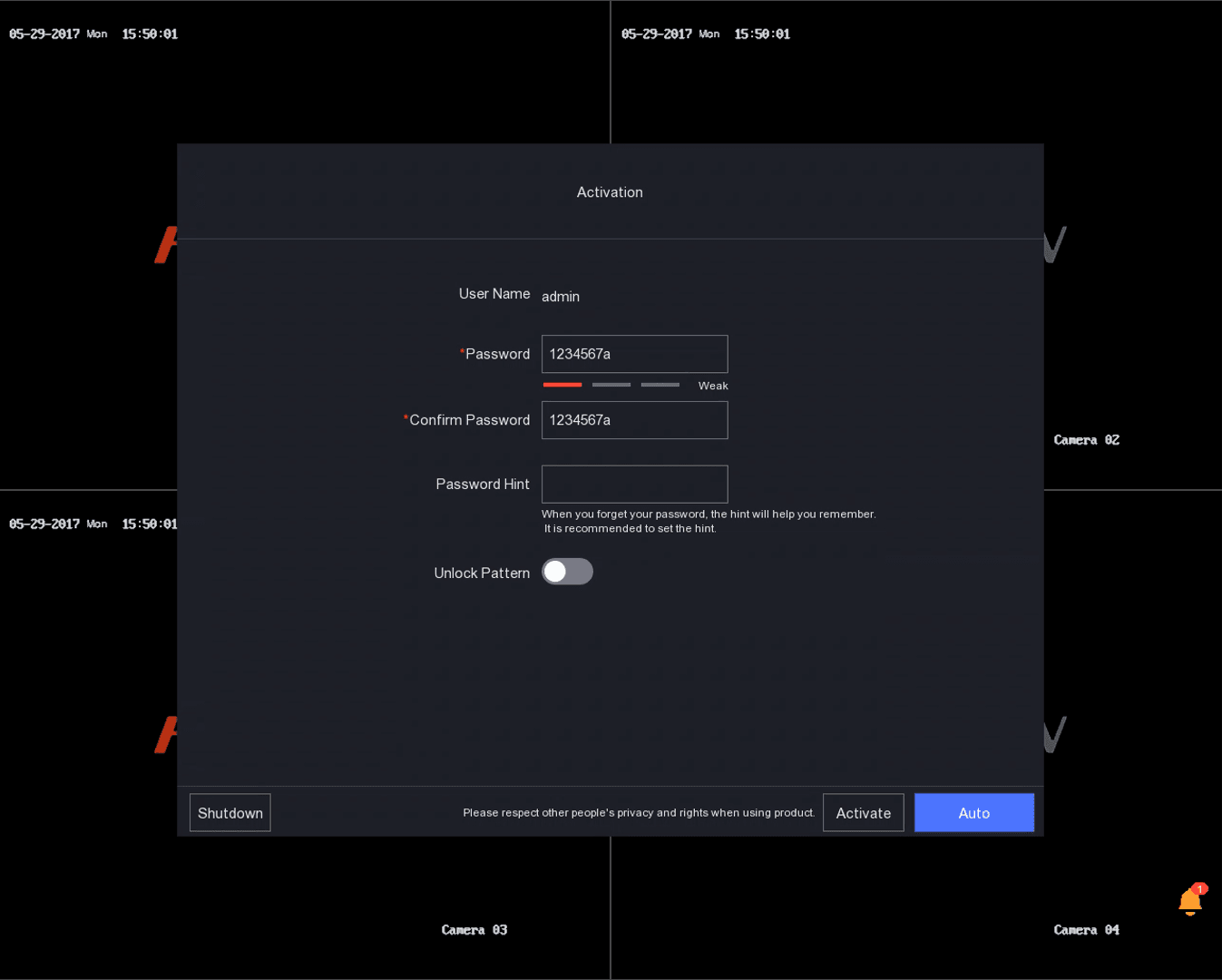
Enable Unlock Pattern
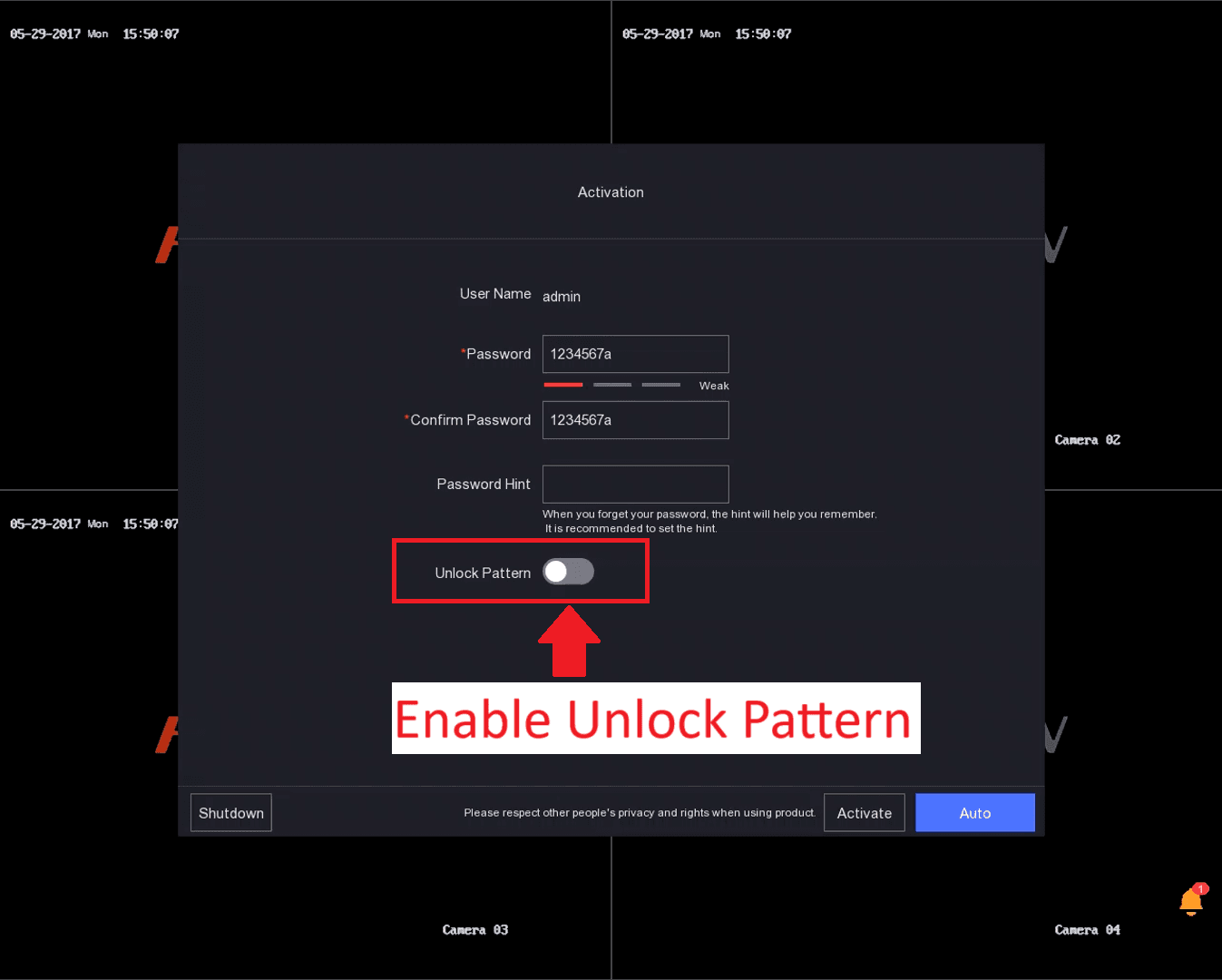
Use your mouse to draw an unlock pattern.
- Hold down your Mouse Left Click button on your starting point.
- Draw your pattern.
- Release your Mouse Left Click button on your ending point.
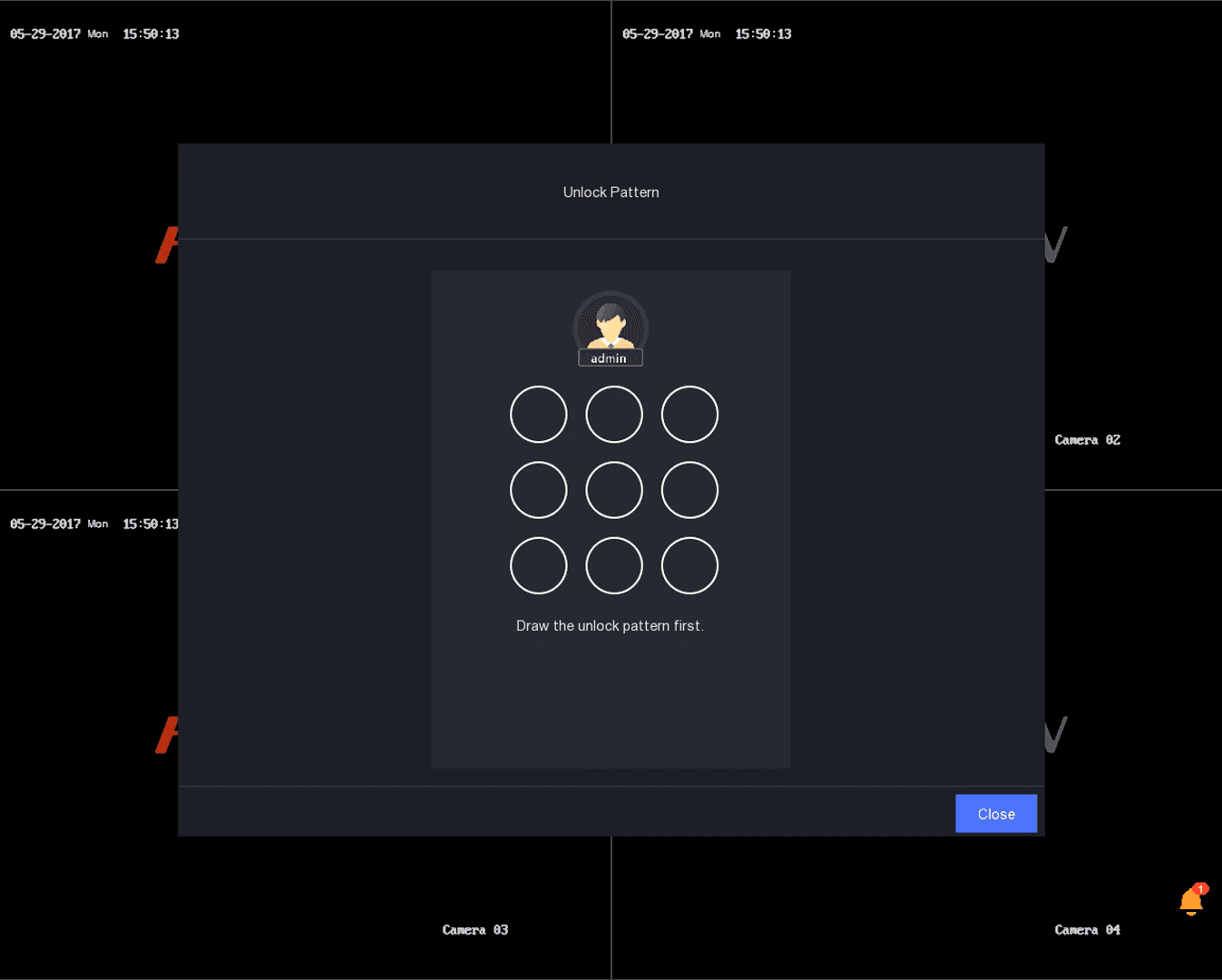
Example of an Unlock pattern
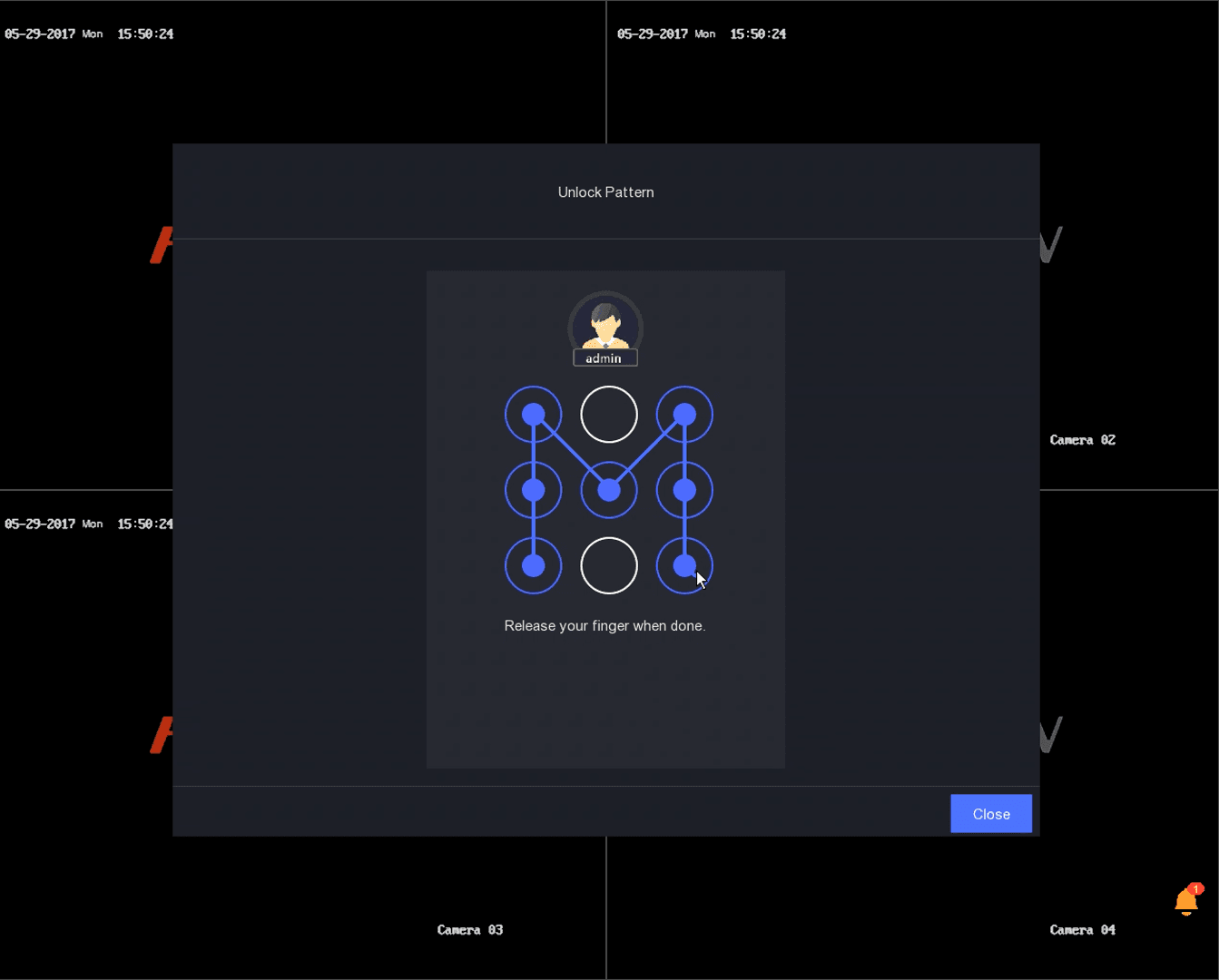
Repeat your Unlock pattern
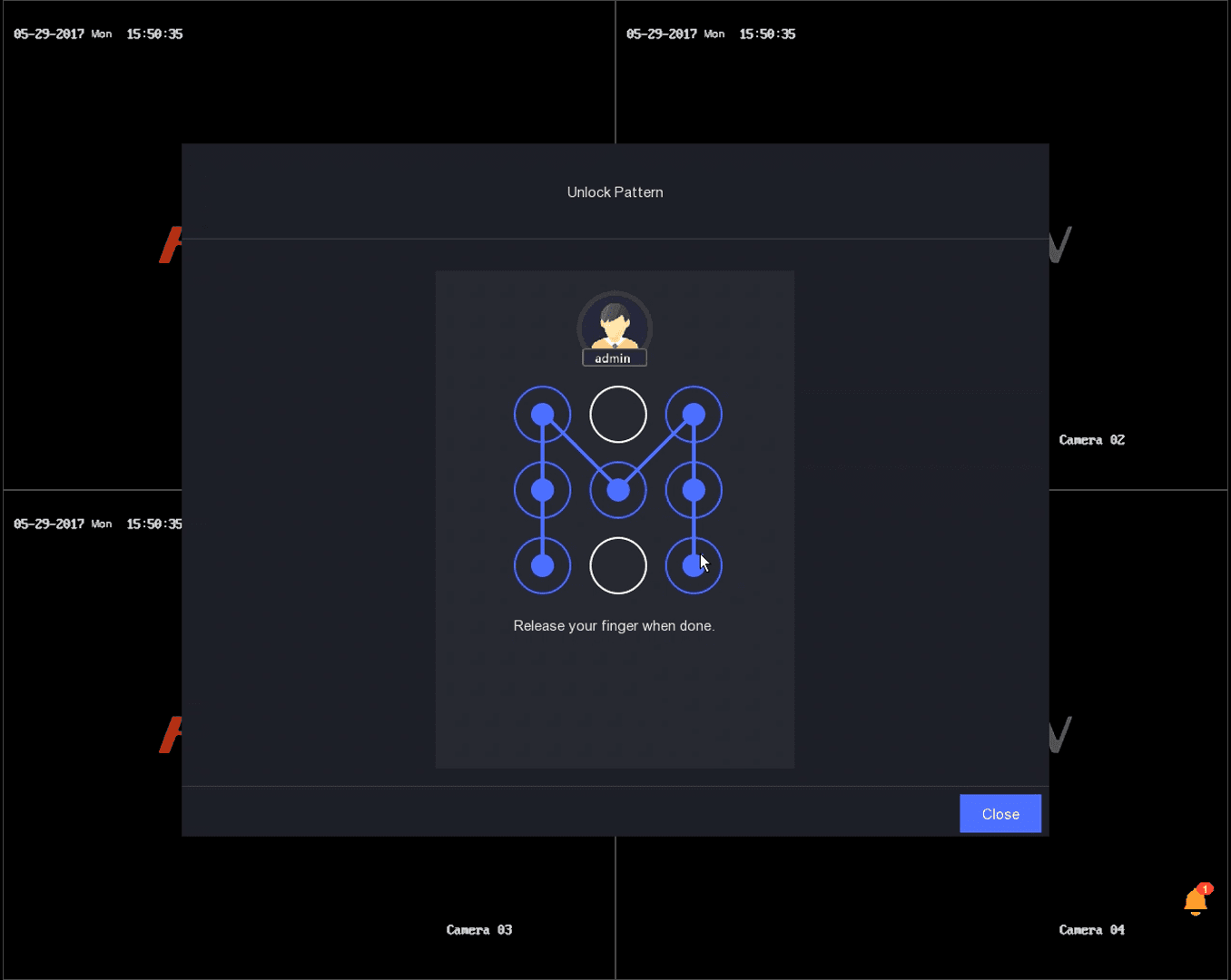
- Check that 2 Strong passwords are entered
- Ensure Unlock Pattern is Enabled / Turned on
- Click Activate
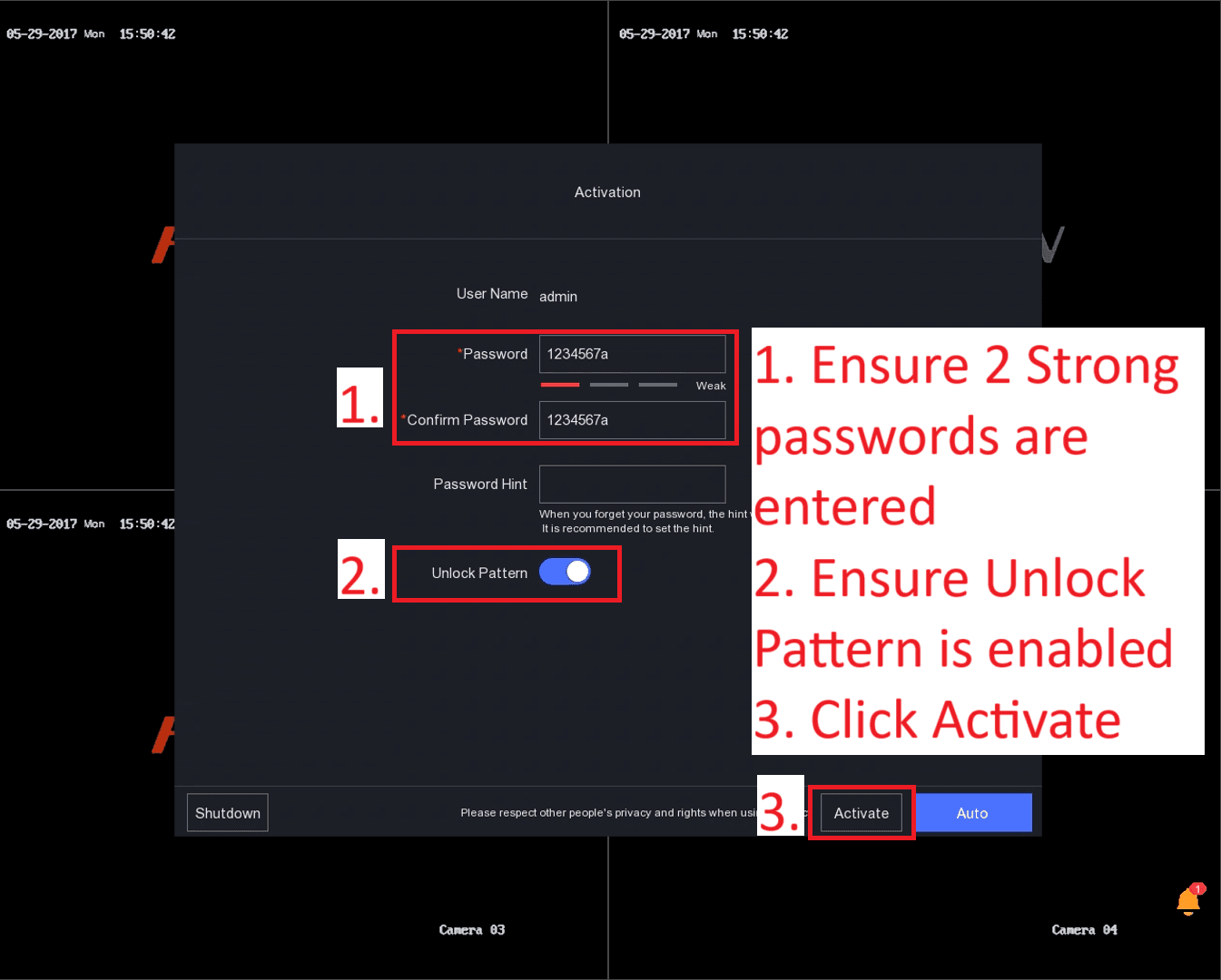
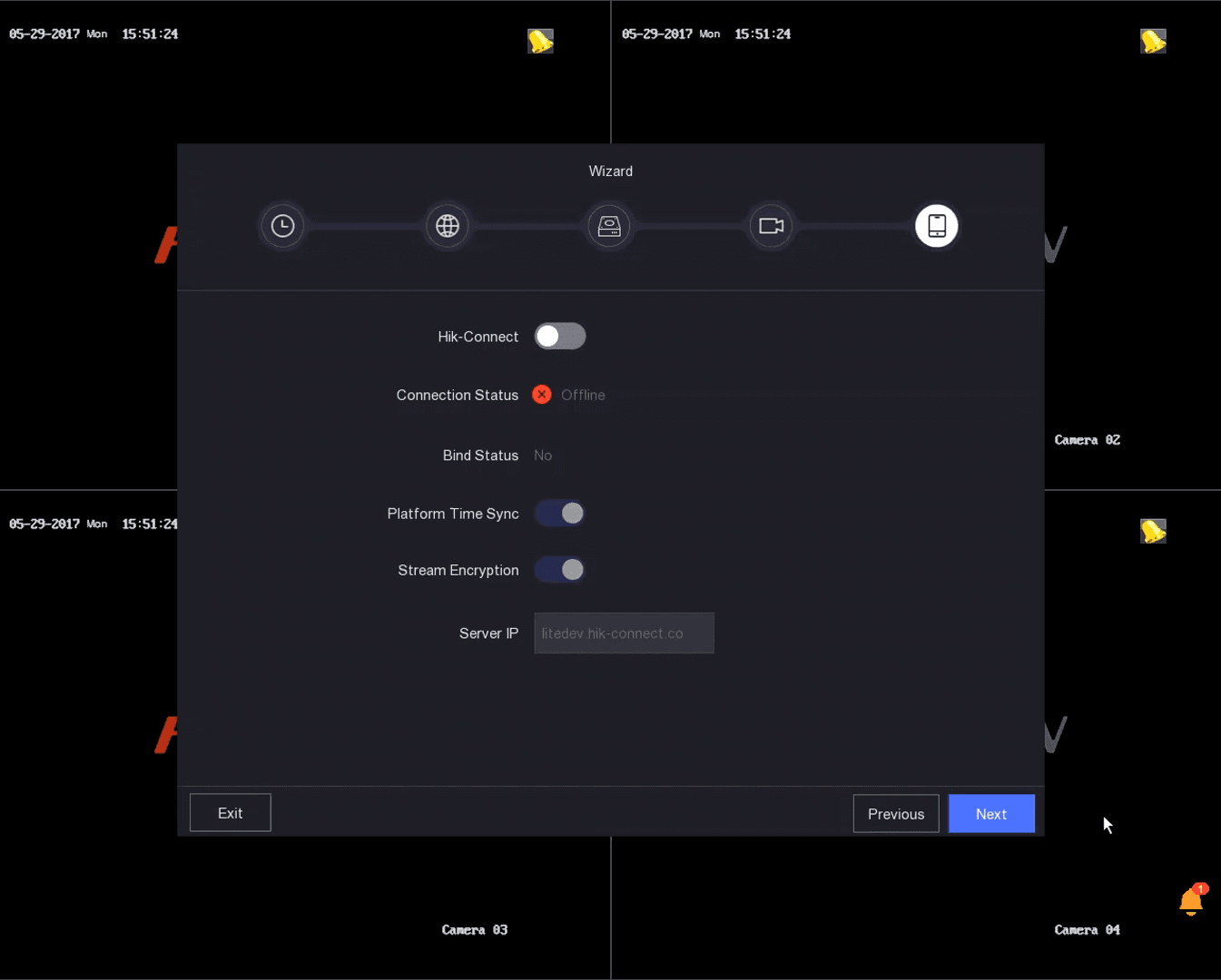
- Once you click Activate, carry on with the rest of the Setup Wizard
- At the end of the Wizard, the Password Recovery Screen will show.
!!! Important !!!
- Fill in all information, If you forget your password, you can recover your password via your email address or via answering the security questions.