
Use this as an overview guideline, User interfaces may change due to firmware, software upgrades of the DVR
- Right click on your Mouse
- This will bring up the Shortcut Menu
- Left mouse Click, Select Menu
- This will bring up the Login Screen
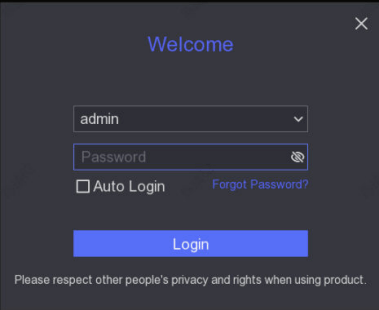
- Left mouse click in the Password Field
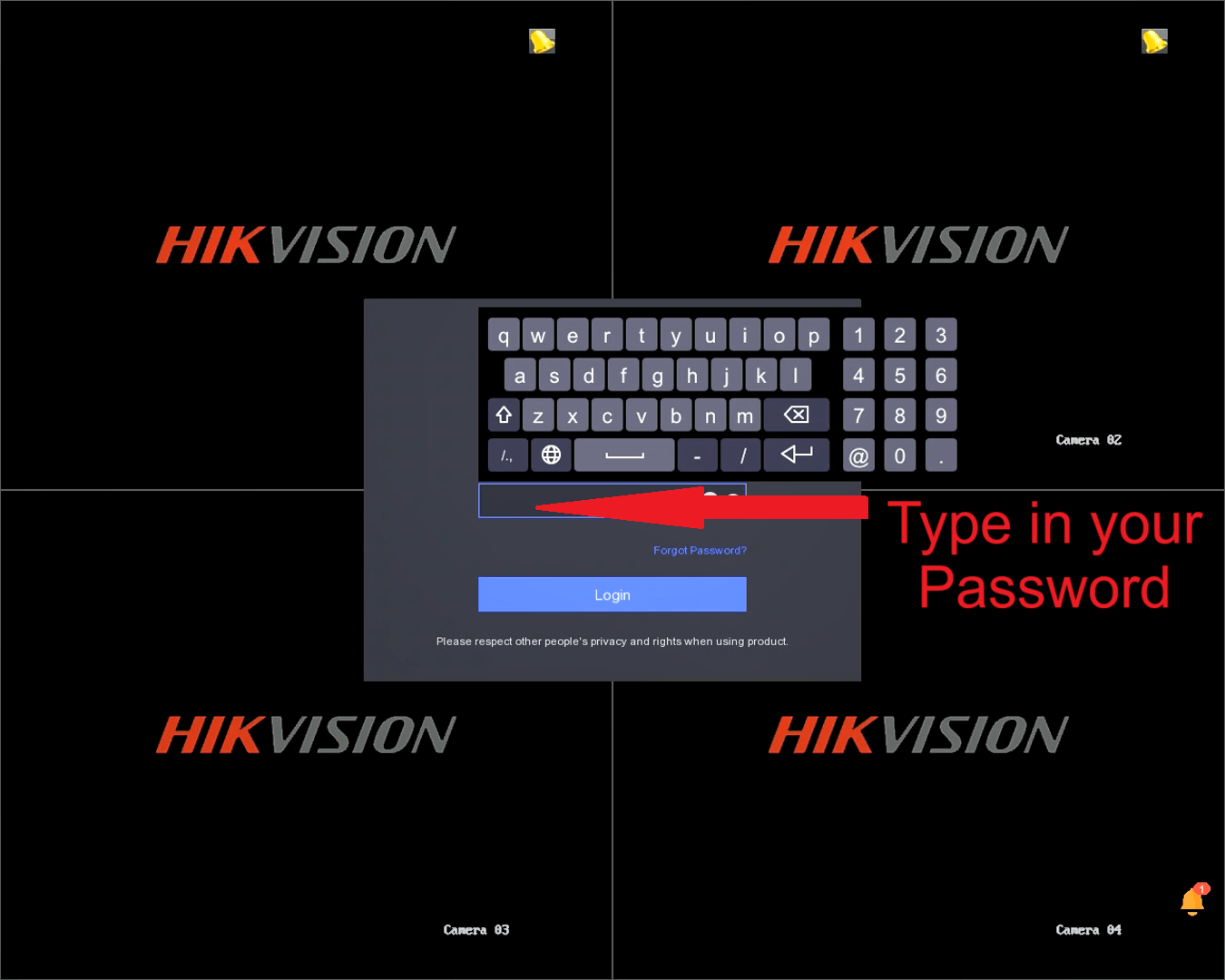
- On screen keyboard will display
- Type in your password
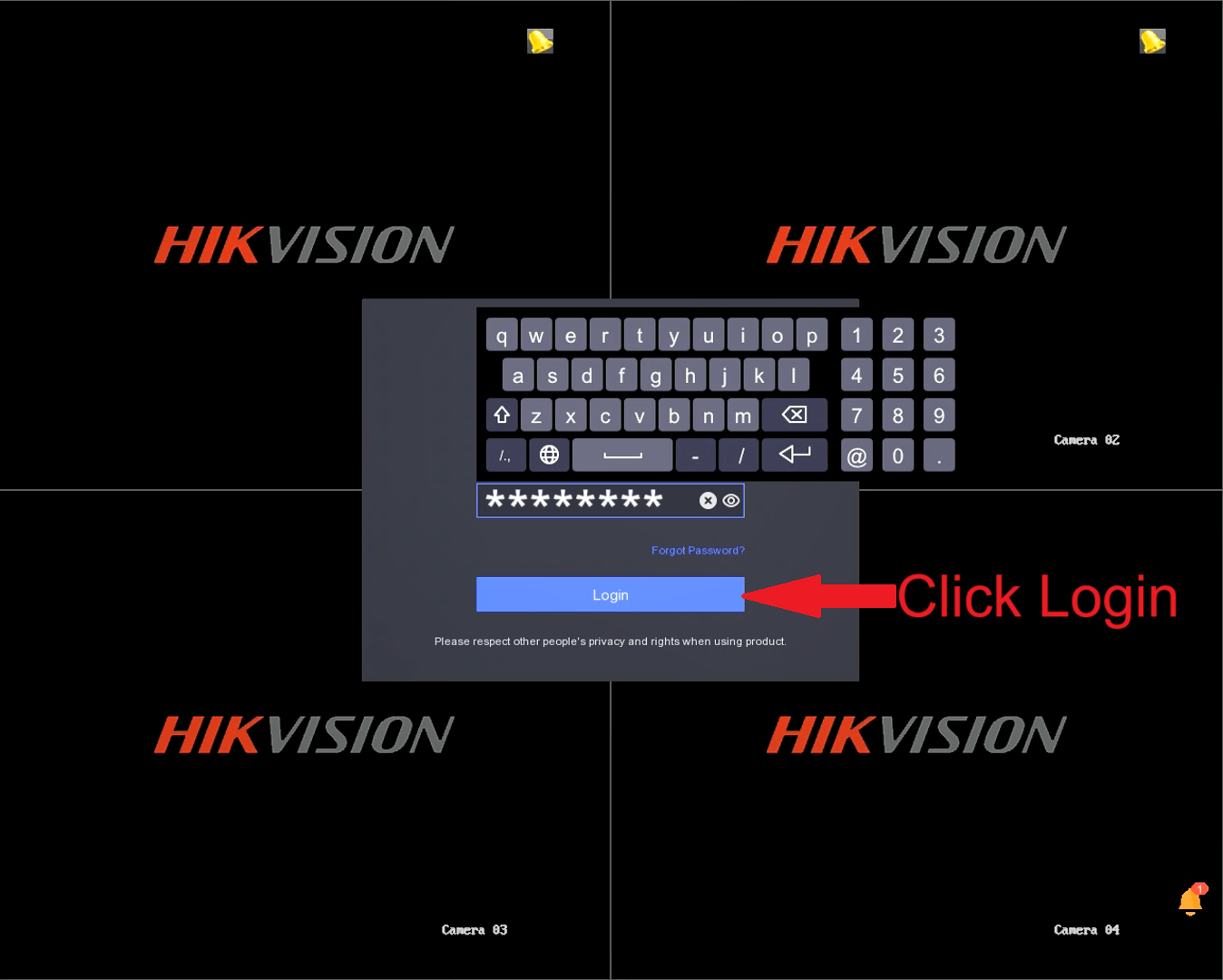
Left Mouse Click, Click Login
-
Default Password is supplied to you buy the branch you purchased it from.
-
- If you have changed your password and forgotten the password, please try the recovery methods.
- HikConnect Recovery Method.
- Email Recovery Method.
- Security Questions Recovery Method.
- If any of these methods do not work, please bring the DVR into our Chinamall branch.
- Their is a surcharge to reset the password.
- Reset password process can take a few days to reset.
- If you have changed your password and forgotten the password, please try the recovery methods.
-