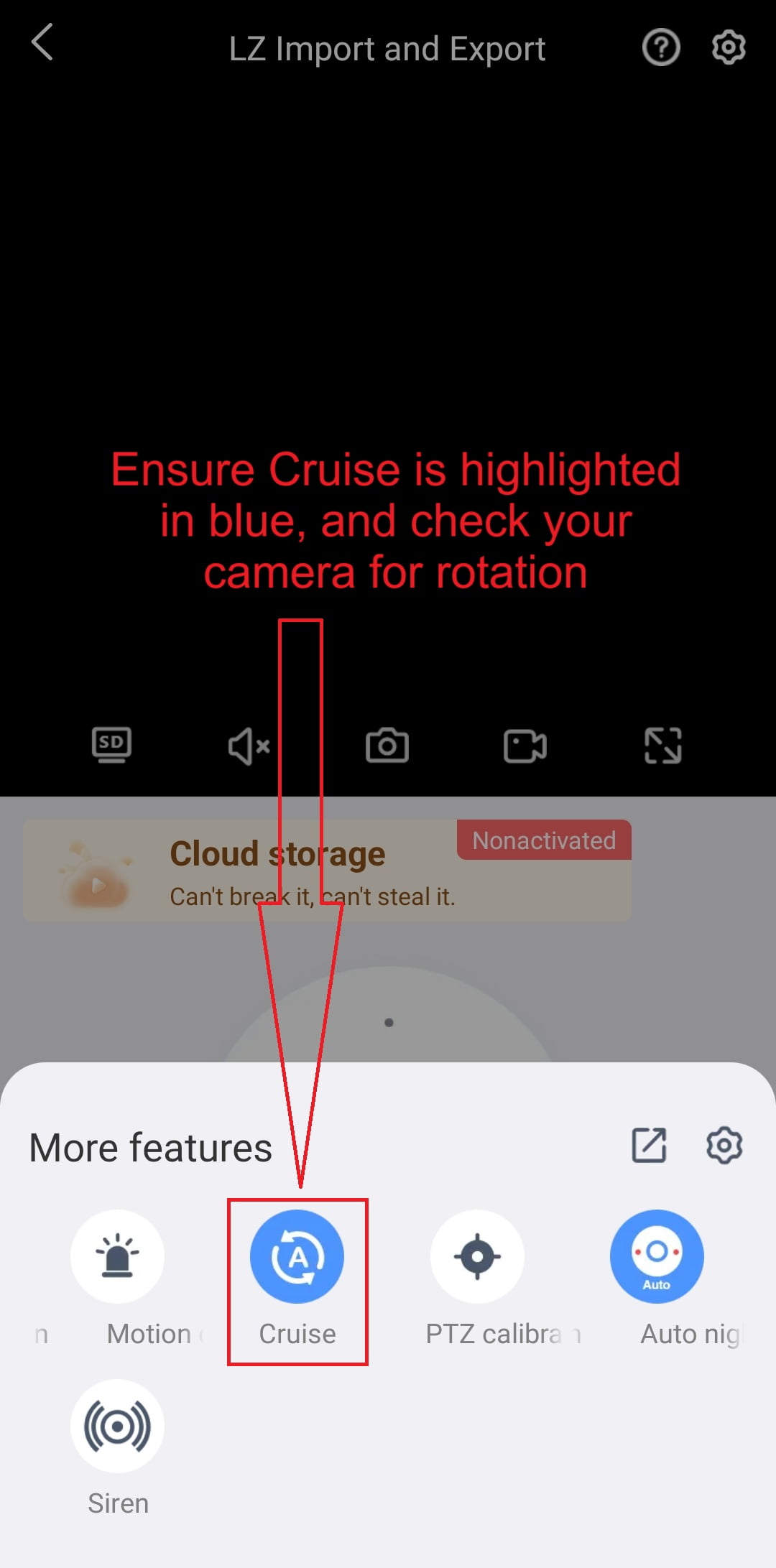
- This applies to LZ WIFI Cameras that have PTZ Functionality i.e. The camera can Pan, Tilt and/or Zoom
- E.g. C433 Camera, Q01, Q10
- This tutorial assumes you have connected your Camera to your WIFI network
- If it is not connected, please go through our tutorials on how to connect your LZ WIFI camera to your router.
- Cruise Control will automatically pan the camera left and right every 10 – 15 seconds
- Open your Eseecloud App
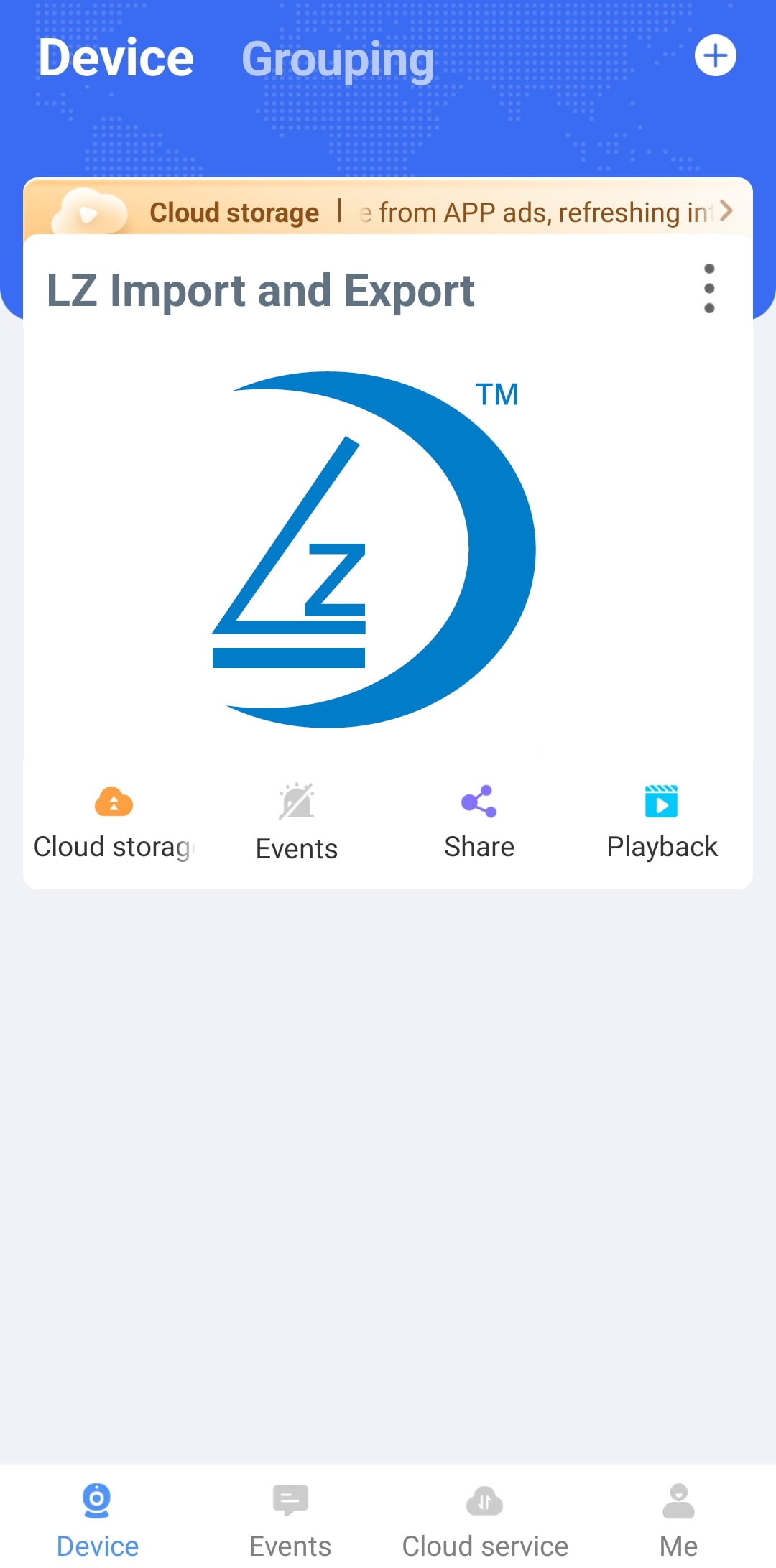
- Click on the Play button of your camera
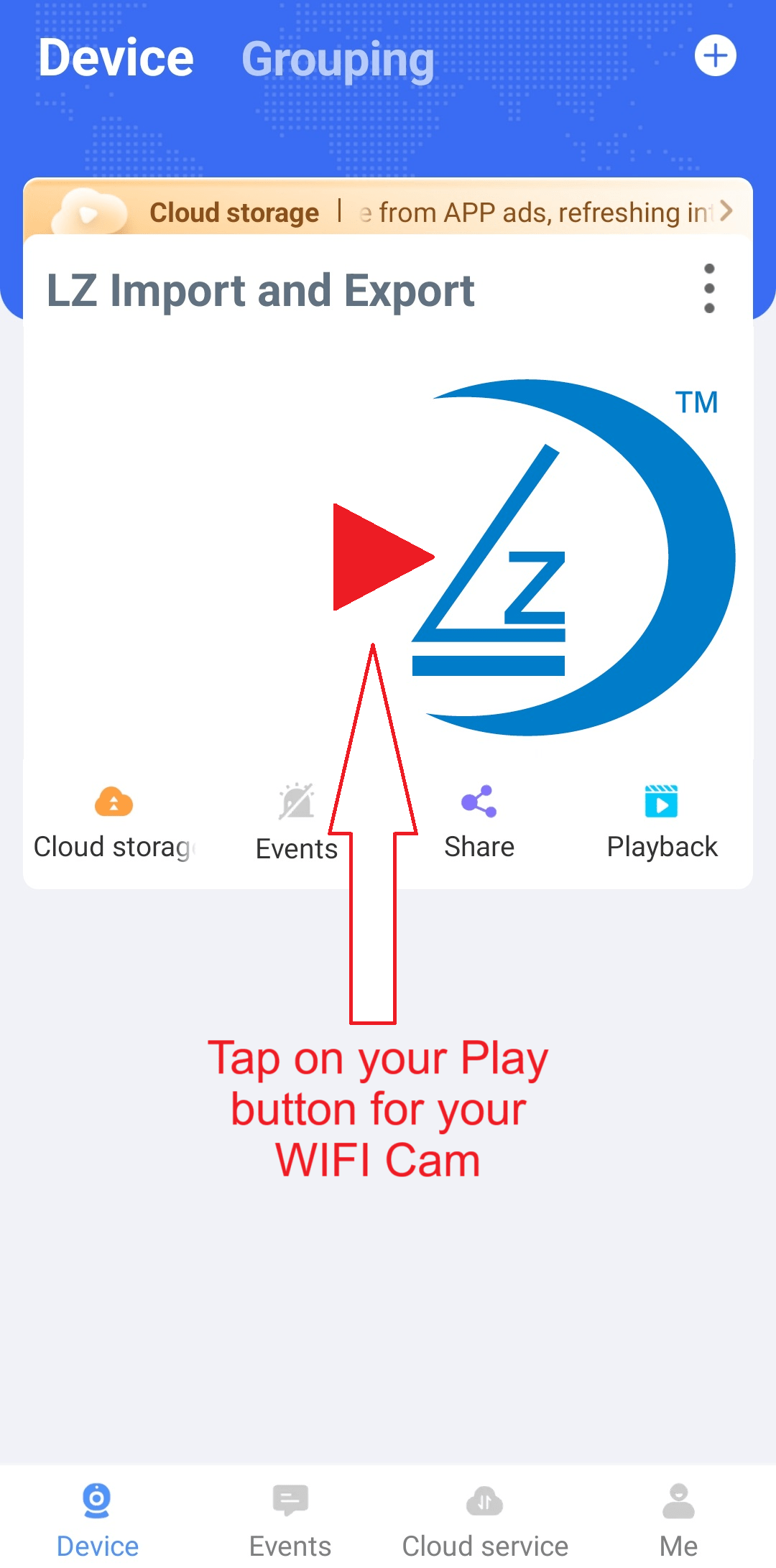
- Tap on More
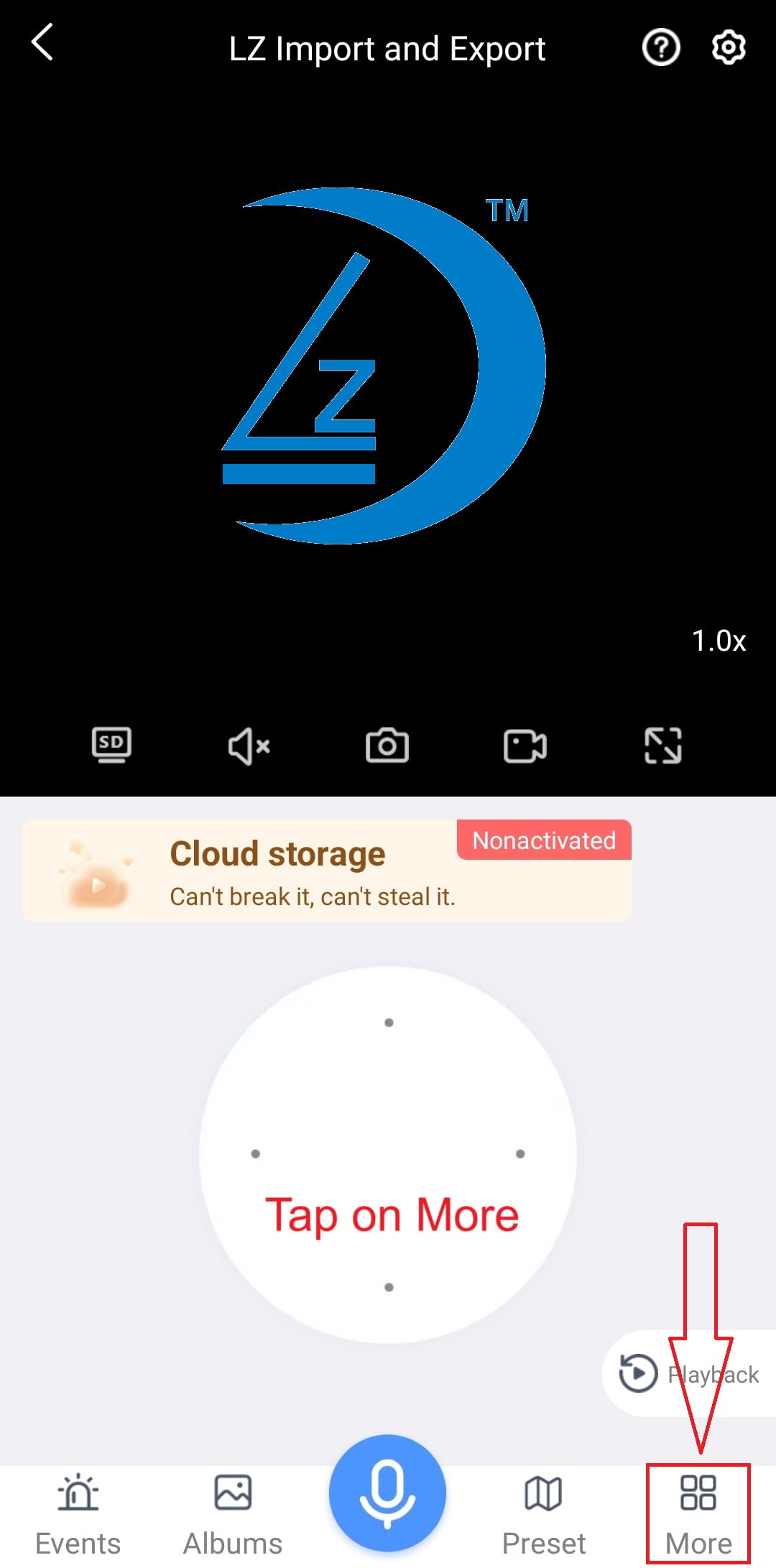
- Tap on Cruise
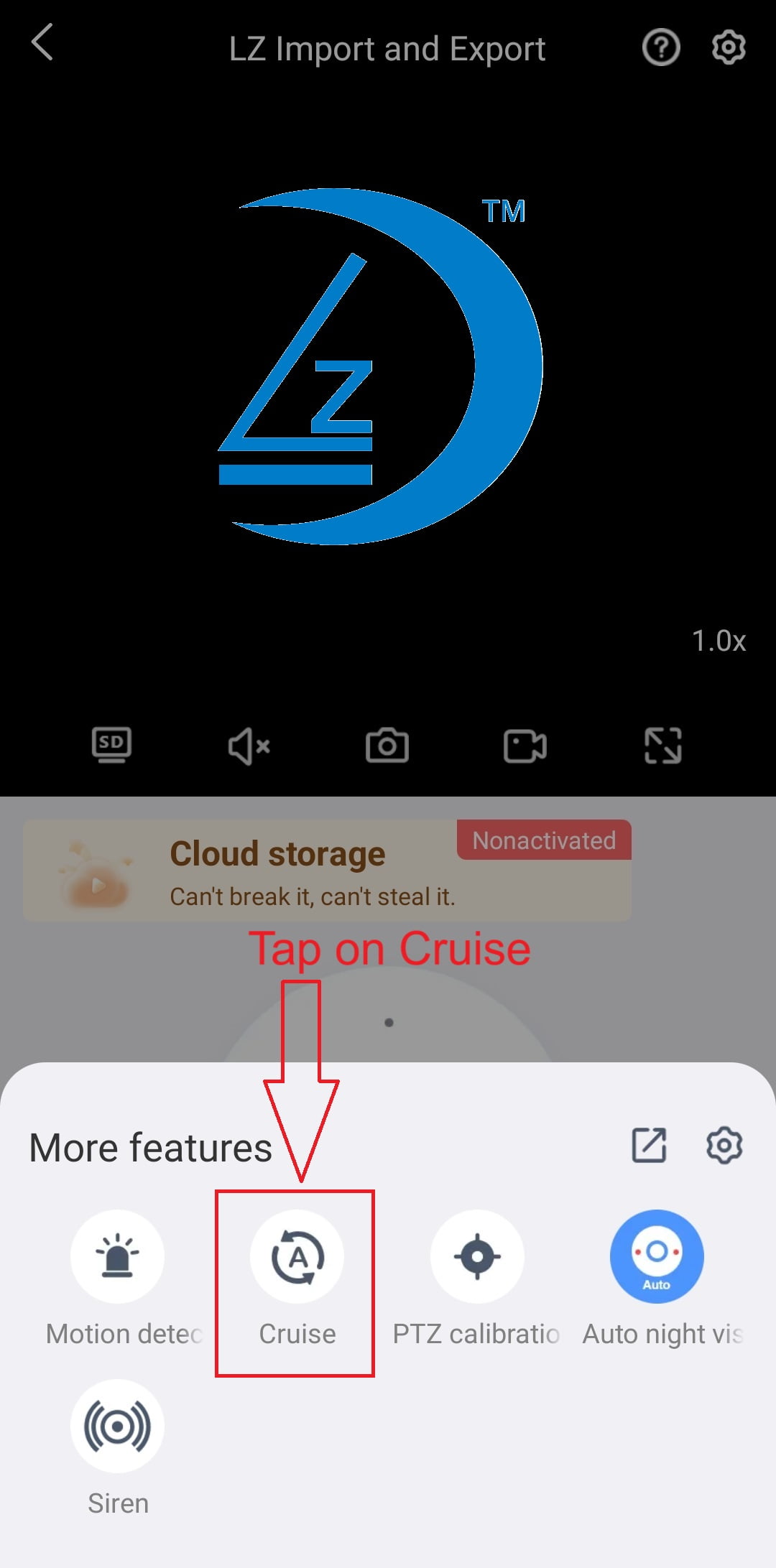
- Ensure Cruise is highlighted in blue
- Check that your camera is rotating